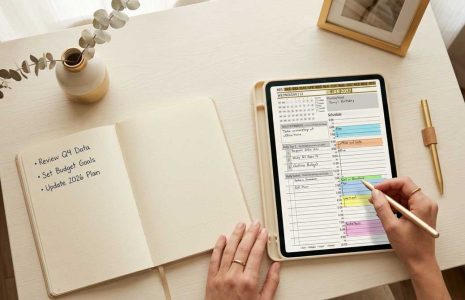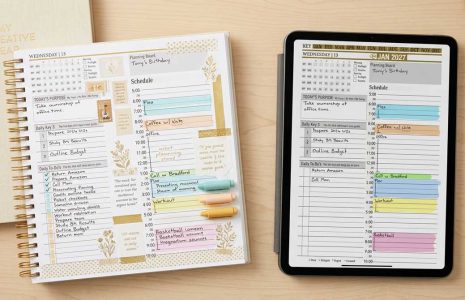
Digital planning graphic featuring text "How Many Devices Can Sync?" overlaid on a keyboard and tablet, related to synchronization capabilities of digital planners.
Articles / News / vLog Jun 15
By Bodendorfer 0 Comments

How many devices can I sync the planner with?

How many devices can you sync your planner on? The answer to this question depends on the application and devices that you are looking to connect to the same planning system.

OneNote: Using OneNote, you can sync the planner across multiple devices, generally up to 10. These devices can be Windows, Apple or Android based. You can also sync between your mobile phones, tablets, laptop and desktop computers over your OneNote account.

PDF Annotation Apps: Programs like GoodNotes, Noteshelf, Notability, Samsung Notes, PDF Annotation Apps, are generally able to sync the planner between devices on the same platform. Generally, if you are using GoodNotes, you can sync your planner across multiple devices on the apple platform.

Similar is true if you are using Samsung Notes – your daily planner will sync across several Samsung phones or tablets. However, when it comes to pdf annotation apps like Noteshelf that are available on multiple platforms like Windows, apple and Android, generally the notebooks will not sync across platforms.

Promotional banner for Key2Success planner offering discounts and a money-back guarantee, emphasizing digital planning benefits and a call to action for users on Samsung devices.

ePaper devices: When it comes to devices like the ReMarkable, SuperNote or Boox, the preinstalled note-taking app on these devices will allow you to take notes and sync them to other devices, however you are not able to edit the notes, just view them. If you are looking to use an ePaper device and have your notes sync to another platforms, this can be accomplished by using Boox Note Air 2 and newer devices that run Android 11. This will allow you to install OneNote to your ePaper device.

Will my ReMarkable Sync? – more on this HERE

Click here to see a video demonstration.

Key2Success Planners

Choose the Application that you plan to use for digital planning.

Select Your Site Language

OneNote logo featuring a purple notebook icon, representing a digital planning tool for effective organization and note-taking.

Application works across Windows, Android and Apple. Also Web version all available. Great for Desktop, Laptop and Mobile users.

GoodNotes

GoodNotes app icon featuring a notepad with lines and a stylus, representing digital planning and note-taking tools for Apple devices.

Application works across Apple devices. Great for iPad, Mac and iPhone users. PDF Annotation App designed for Note-Taking

Noteshelf

Noteshelf app icon featuring a blue background with a white pen, representing digital planning and note-taking tools for Apple devices.

Application works across Apple devices. Great for iPad, Mac and iPhone users. PDF Annotation App designed for Note-Taking

Notability

Notability app icon featuring a pencil on a blue background, representing digital note-taking tools for Apple devices in the context of digital planning.

Application works across Apple devices. Great for iPad, Mac and iPhone users. PDF Annotation App designed for Note-Taking

Samsung Notes

Samsung Notes application icon, designed for digital planning on Samsung devices, highlighting note-taking features.

Application works across Samsung devices. Great for Samsung Tab and Samsung Galaxy Users. Including Z Fold 3, S6, S7, S8 and S22. 

reMarkable

reMarkable logo on a black background, representing ePaper devices for digital note-taking and PDF annotation.

Works with ePaper Devices, like the reMarkable, SuperNote and many more. A PDF Annotation Planner allows users to take digital notes.

Promotional banner for Key2Success planner offering discounts and a money-back guarantee, emphasizing digital planning benefits and a call to action for users on Samsung devices.

Leave a Comment