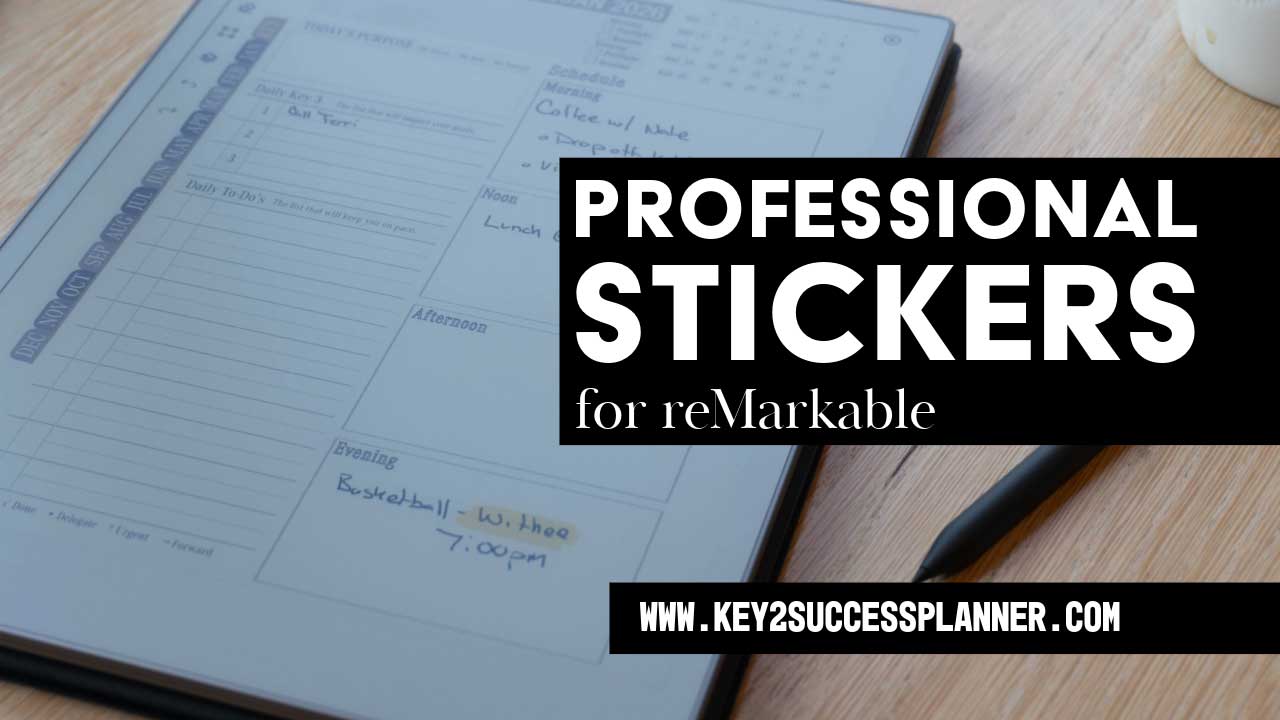
Customize Your reMarkable with Professional Stickers – Meet E-Tiles by Key2Success
If you’re a reMarkable tablet user looking to elevate your digital planning experience, get ready to meet your new favorite tool: E-Tiles, the professional digital stickers designed specifically for reMarkable by Key2Success Planner.
Whether you’re an entrepreneur, executive, student, or someone who simply wants more control over their day-to-day productivity, E-Tiles give you the power to personalize your planner in a powerful and completely intuitive way—right on your device.
What Are E-Tiles?
E-Tiles are drag-and-drop digital stickers for reMarkable that let you customize your planner pages without any third-party software. Think of them as flexible, professional building blocks that enhance your layout with tools like:
- Time blocks
- Project dashboards
- Meeting templates
- Contact sheets
- Life wheel assessments
- Expense and mileage trackers
- Sales, recipe, and reading trackers
- Habit trackers and more
What’s Inside Each E-Tile Pack?
Each E-Tile pack comes with:

- A ready-to-use .RM (reMarkable) file
- An instructional overview page
- Pre-built tile templates (organized by use case)
- Easy drag-and-drop functionality using the lasso tool
- Full compatibility with layers for organized annotations
How to Use E-Tiles on Your reMarkable
- Download your E-Tile pack from Key2Success Planner.
- Drag the .rm file into your desktop reMarkable app or sync via USB.
- Open the file and use the lasso tool to copy a tile.
- Navigate to your planner or template and paste the tile.
- Resize, duplicate, or rearrange using layers for clean annotation.
Use Case Ideas
You can get creative with E-Tiles! Here are just a few ways our community is already using them:
- Daily scheduling with 15-minute or 24-hour time blocks
- Weekly family activity planning
- Building sales pipelines
- Tracking calls with contact tiles
- Monitoring personal growth with the Life Wheel
- Logging client meetings and action items
- Budgeting and expense tracking
Why Use Professional Stickers for reMarkable?
Professional stickers like E-Tiles:
- Streamline your workflow
- Allow for quick customization
- Eliminate the need for third-party apps
- Let you build an entire year’s worth of custom layouts in under an hour
- Help you turn your reMarkable into a fully personalized productivity system
Launch Special: Get Your Discount
To celebrate the launch of E-Tiles, we’re offering a limited-time discount. Visit the link below to browse available tile packs and experience the future of reMarkable customization.