3.22 Beta: Search Handwritten Notes in reMarkable
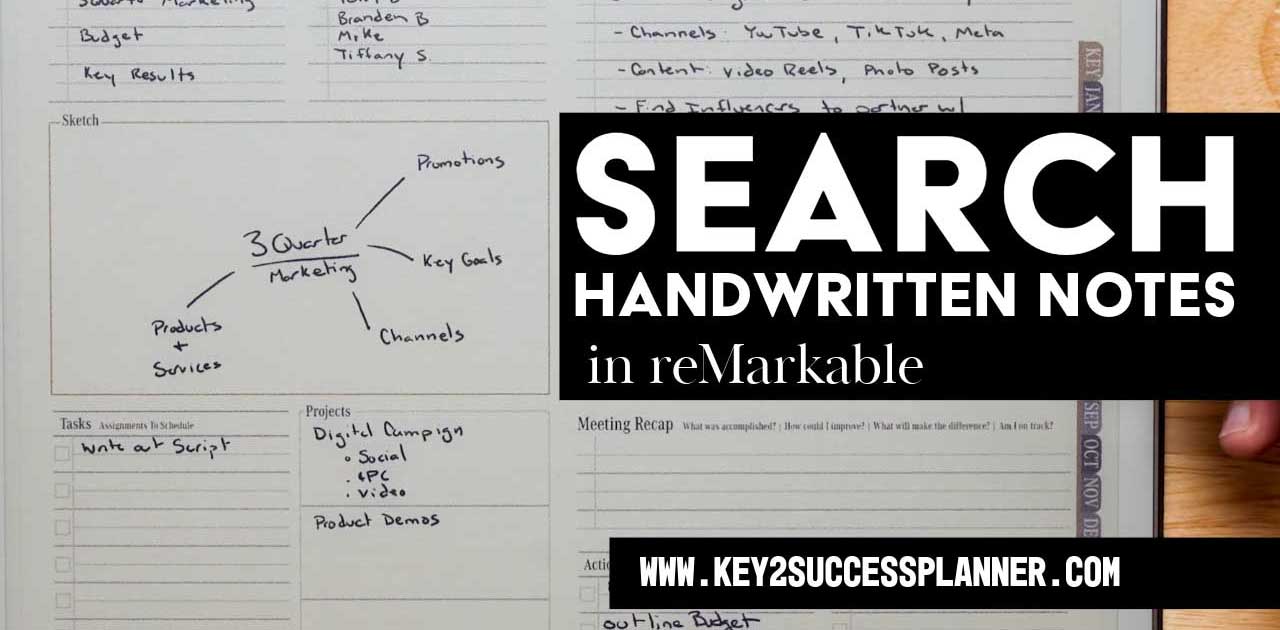
Big news! You can now search handwritten notes in reMarkable! The latest reMarkable 3.22 beta release introduces a powerful new feature for digital planning: handwriting search. This update is a major advancement for users of the Key2Success Digital Planner, which is designed to work seamlessly with the reMarkable tablet.
We’ll cover:
- Introduction to the reMarkable 3.22 beta update
- Overview of new features:
- Handwriting search (beta)
- Movable toolbar
- Updated icon design
- Explanation of how handwriting search benefits Key2Success Planner users:
- Quick retrieval of handwritten tasks, goals, and notes
- Improved organization and navigation
- Discussion on how the update enhances productivity with the Key2Success Planner
- Step-by-step instructions on how to access and use the handwriting search feature
- Final thoughts on how the update strengthens digital planning with reMarkable and Key2Success
Visit the reMarkable Shop Page
Check out eTiles for reMarkable
Why reMarkable is Great for Writing
The reMarkable tablet is one of the best devices for writing, especially if your focus is on handwriting, note-taking, or distraction-free planning.

Paper-like Writing Feel:
The screen uses a CANVAS display with just the right amount of resistance, closely mimicking writing on real paper.
Low Latency:
The writing experience is fast and responsive, with virtually no lag — especially with the Marker Plus.
No Distractions:
There are no apps, notifications, or web browsers — ideal for focused writing, note-taking, journaling, or planning.
Handwriting Conversion:
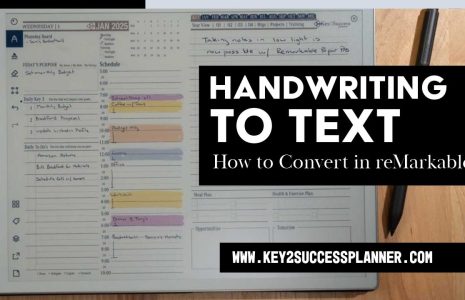
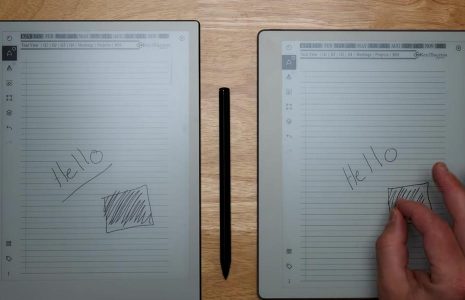
It can convert handwritten notes into typed text, which is helpful for sharing or archiving.
Structured Note Organization:
Create notebooks, folders, tags — perfect for writers, students, professionals, or anyone who writes regularly.
Now with Handwriting Search (Beta):
As of version 3.22 (rolling out to Connect subscribers), you can search handwritten content — a big win for productivity.
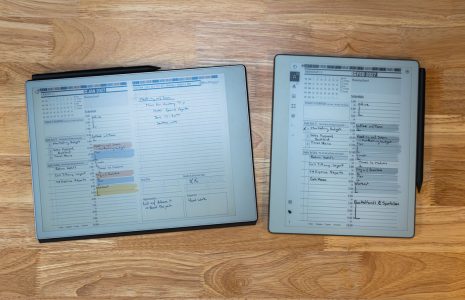
What’s New in reMarkable 3.22 Beta
The reMarkable 3.22 beta introduces:
- Handwriting Search (Beta): Enables users to search handwritten notes across their device.
- Movable Toolbar: Lets users position the toolbar where it best fits their workflow.
- Updated Icons: Brings a refreshed UI with updated icon design.
These updates are available to participants in the reMarkable beta program and will roll out to Connect subscribers over the next few weeks.
Why Handwriting Search Matters for Key2Success Planner Users
The Key2Success Planner is built for professionals, students, and goal-setters who rely on handwritten input to map out their days, projects, and long-term strategies. With the new handwriting search feature, users can now:
- Instantly find tasks, notes, and appointments across pages.
- Retrieve goal-tracking notes or annual objectives without scrolling.
- Organize large volumes of handwritten content with ease.
This transforms how users interact with their digital planner, improving efficiency and accessibility.
Enhanced Productivity with reMarkable and Key2Success
The ability to search both typed and handwritten content positions the Key2Success Planner as a more powerful productivity tool than ever before. Combined with the reMarkable tablet’s distraction-free interface, this update makes it easier to stay organized and focused.
How to Access the Update
To use the handwriting search feature:
- Join the reMarkable beta program or wait for the public rollout (available to Connect subscribers).
- Update your reMarkable tablet to version 3.22 beta.
- Open your Key2Success Planner and use the search function to locate handwritten content.
The reMarkable 3.22 beta update is a significant step forward for digital planning. With handwriting search, Key2Success Planner users can now navigate their notes faster and streamline their workflows more effectively. As this feature rolls out, it’s an ideal time to upgrade your productivity setup with the Key2Success Planner for reMarkable.
Visit the reMarkable Shop Page
Check out eTiles for reMarkable
Handwriting recognition in the reMarkable tablet is a game-changer because it bridges the gap between the analog feel of writing by hand and the digital need for organization, searchability, and productivity. Until now, one of the main limitations of digital handwritten notes has been that they’re visually stored but not easily searchable or actionable.
With the introduction of handwriting recognition—especially in the 3.22 beta update—users can now search handwritten content across their notes and planners. This means that a user can jot down thoughts, to-do lists, or meeting notes naturally, and later locate specific words or topics instantly, just like searching typed text. For professionals, students, and productivity-focused users, this eliminates the frustration of flipping through endless pages or remembering where a note was stored.
It also adds structure to otherwise freeform content. In short, it makes handwritten input not just readable, but useful in a dynamic, digital environment. Combined with tools like the Key2Success Planner, handwriting recognition transforms reMarkable from a digital notebook into a smart productivity platform—one that retains the benefits of writing by hand while unlocking the convenience of modern technology.