2021 OneNote Digital Planner
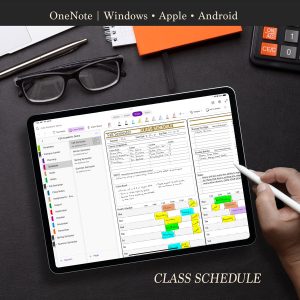
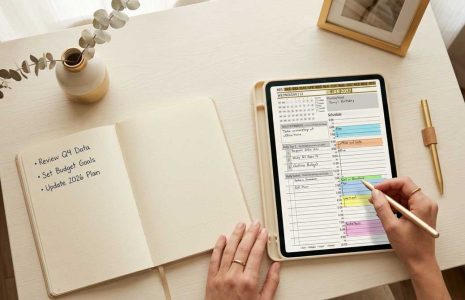
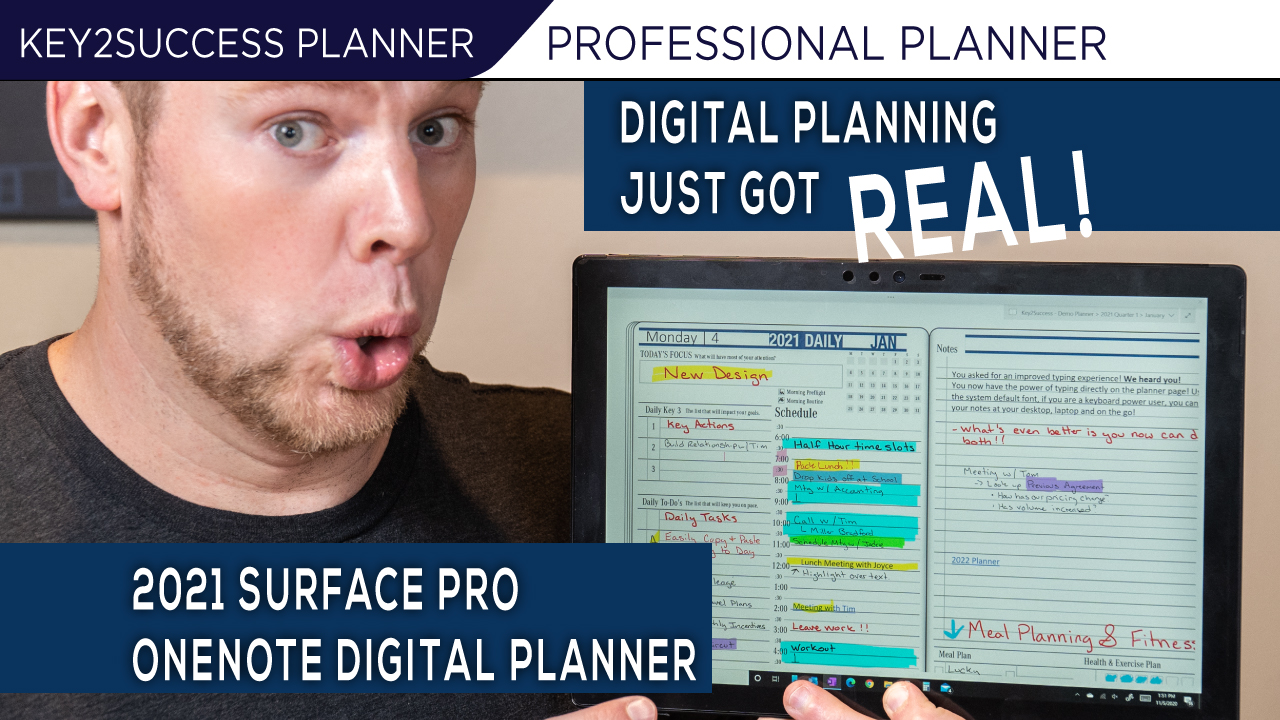
Learn all about the 2021 Digital Planner in OneNote. See how daily planning works in OneNote on devices including the Samsung Note 20, iPad Pro, iPhone, Surface Duo, and a Surface Pro. If you are looking to digital plan and get 2021 started, this is the video you’re going to want to watch!
OneNote Digital Planner
Why use OneNote? A lot of PDF planners are only available in Apple products. If you want to carry your planner wherever you go, OneNote is an app that works across all devices. No matter what device you’re using, the Key2Success Digital Planner for One Note can be used on every device.
We have a couple of different templates and features for whichever app you are using, but OneNote is the most versatile.
Highlighted in the video:
- Use a pencil or a mouse to copy/paste templates throughout your planning system. Duplicate pages as needed and truly make your planner your own.
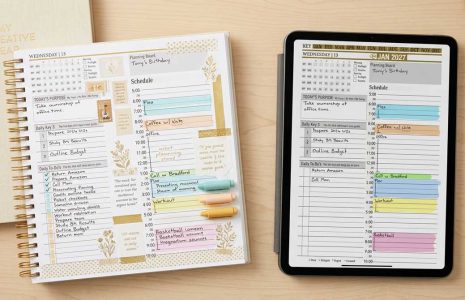
- Utilize pages including the: team planner, daily pages, ideal week, monthly view, and quarterly reviews. These are key tools to success in digital planning.
- In our planning system, the Vision Board is the keystone of starting your year. Learn more about this system here.
- Explore the Annual Keys: Self, Career, Relationship, and Community
- Understand how to set up and execute a plan with our custom Goal Planner
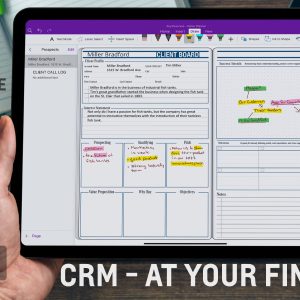
- Learn how to maximize your professional world with digital planning
- Enjoy the ability to handwrite notes, type notes, and move notes around as needed. Plus, learn how hyperlinks help with navigation.
- A convenient side-by-Side view is available on GoodNotes for Apple, but otherwise only in Samsung.
To get started with the Key2Success Digital Planning System, watch the video and then explore the Key2Success Digital Planner website for tools and tutorials. Join a community that is using digital planning to its greatest potential!